.png?width=1391&height=437&name=SCALIS%20Logo%20(1).png)
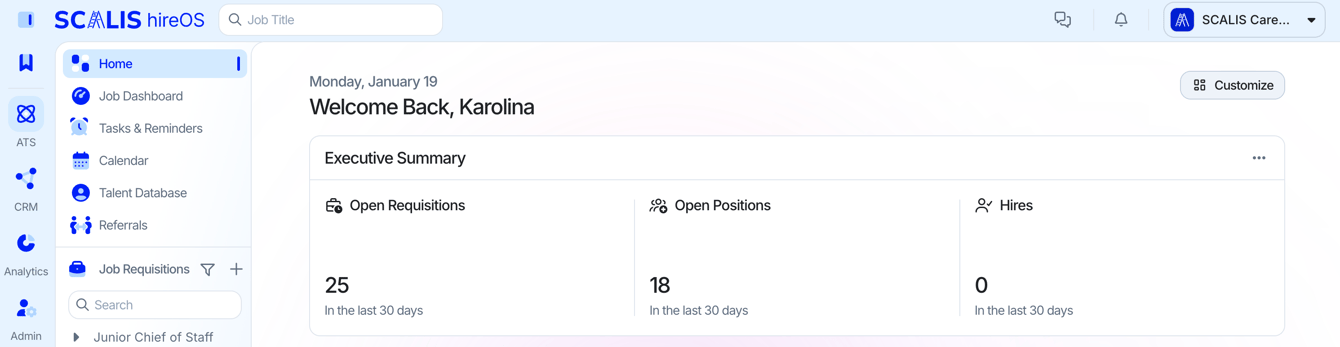
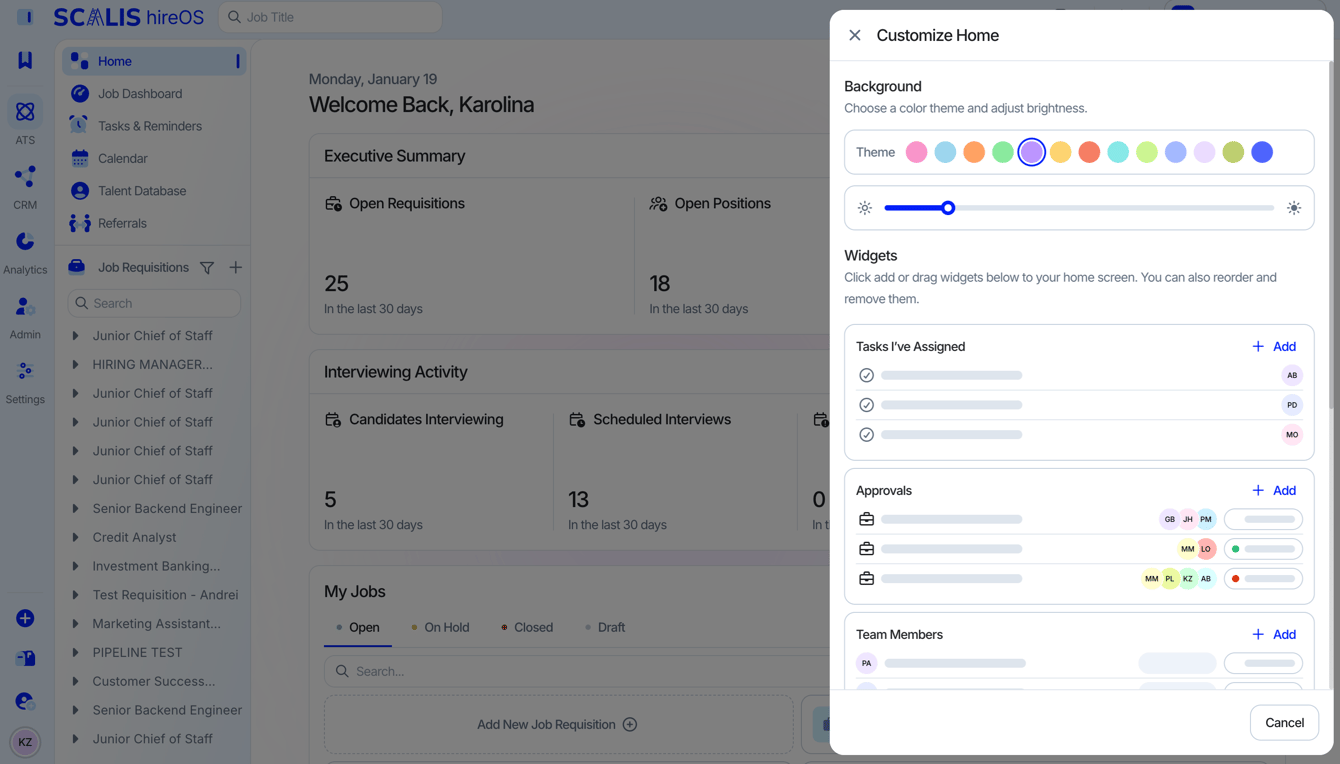
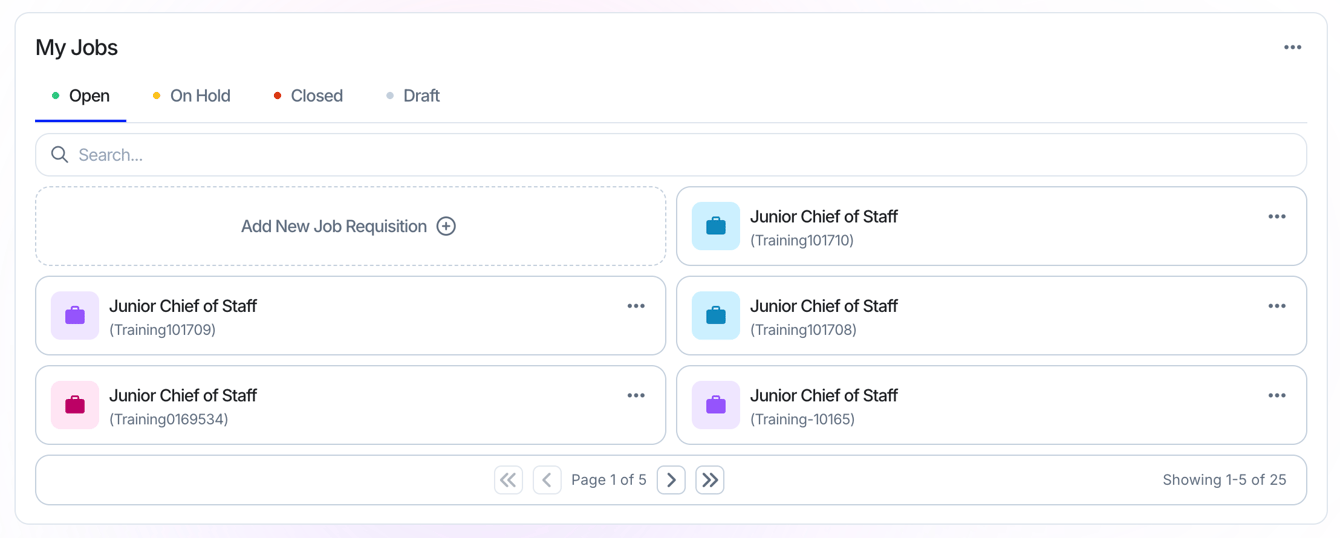
An overview of the requisitions you're a Hiring Team Member on.
Manage the status of tasks you've assigned to yourself.
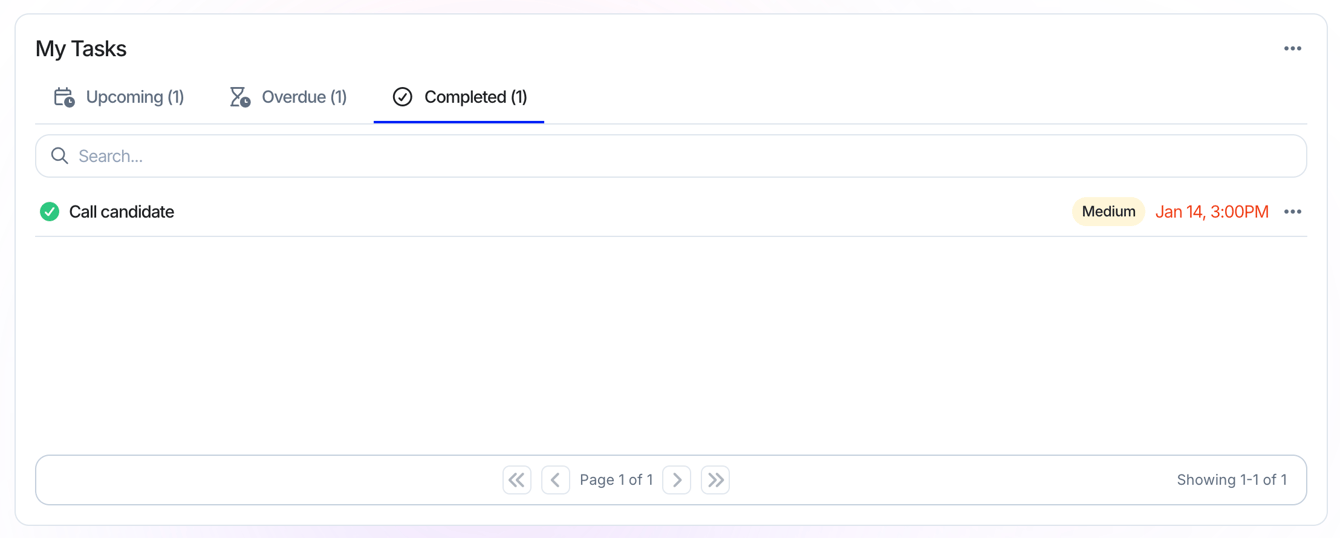
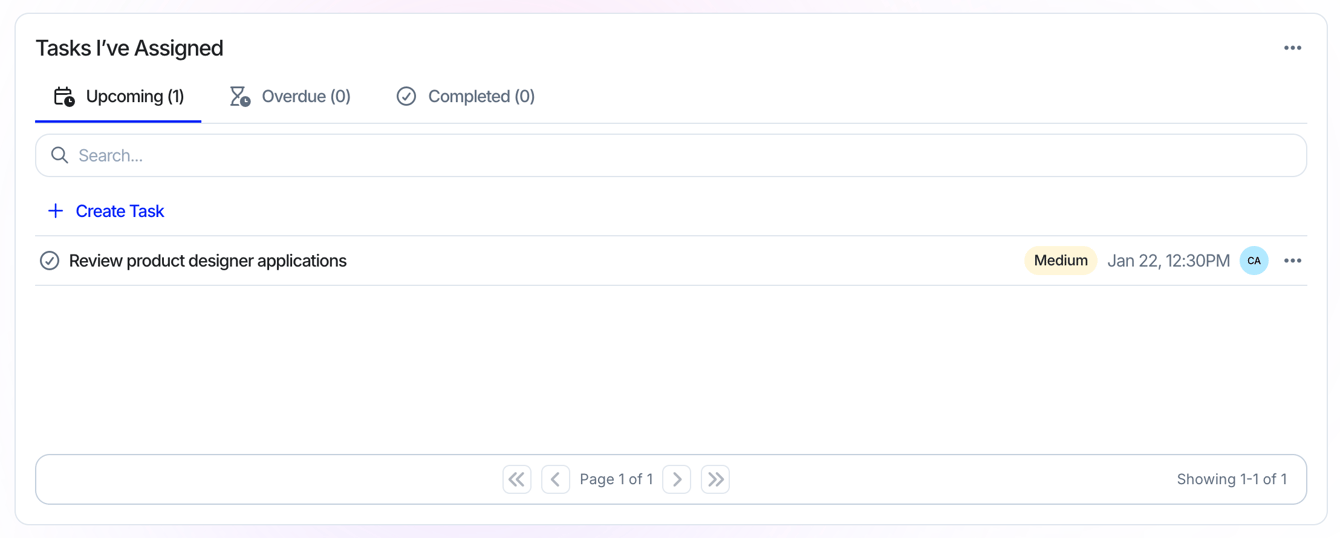
Manage the status of tasks you've assigned to your team.
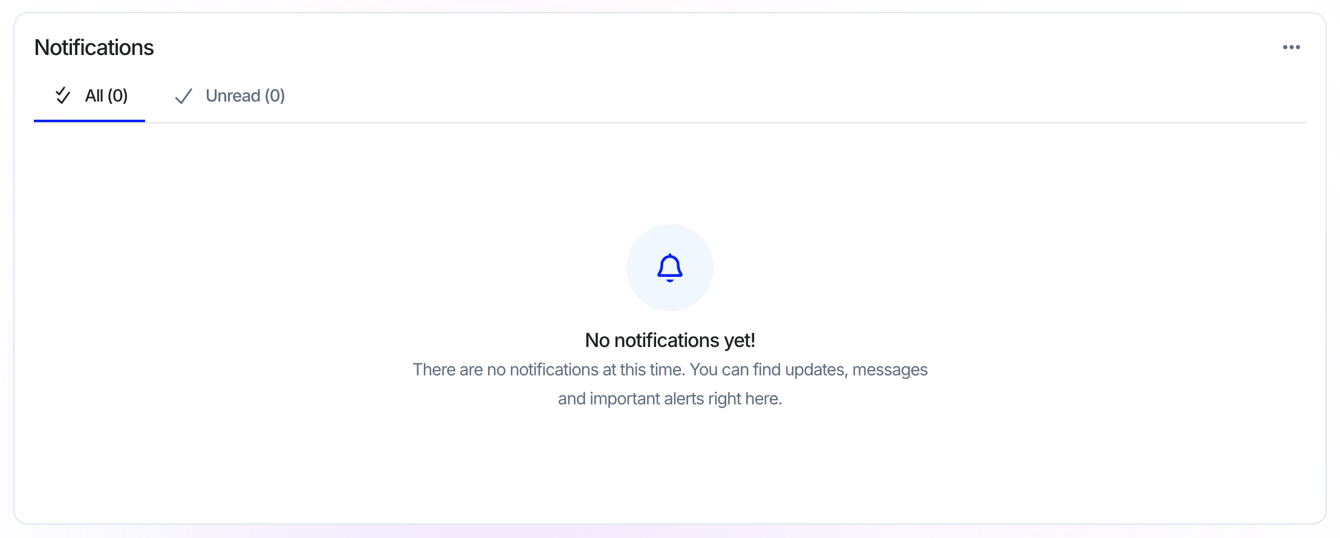
See your latest notifications at a glance.
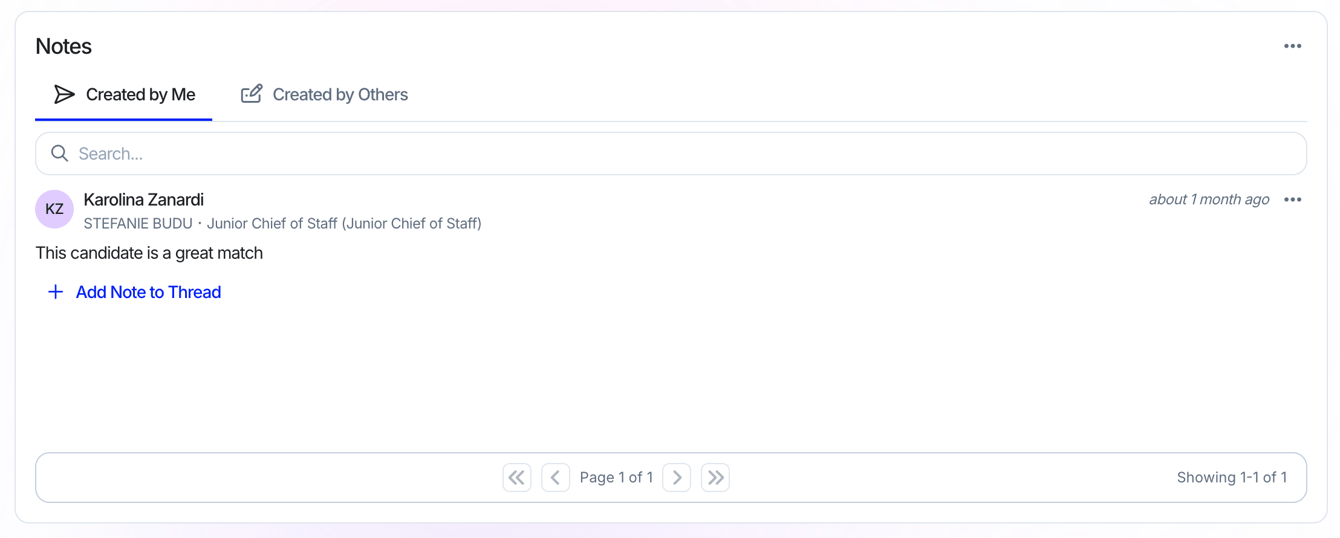
See Notes that have been added to candidate profiles.
A quick snapshot of your pipeline metrics. Set it to show the past year, 180 days, 60 days, or 30 days.
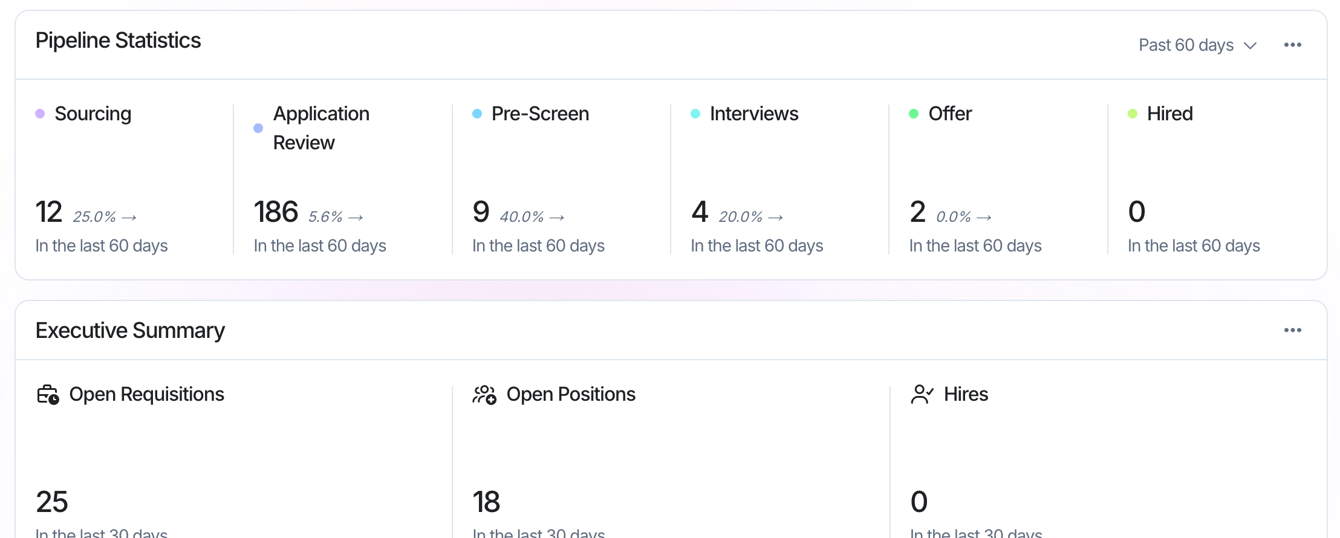
A high-level overview of your Open Requisitions, Open Positions, and number of Hires from the last 30 days.
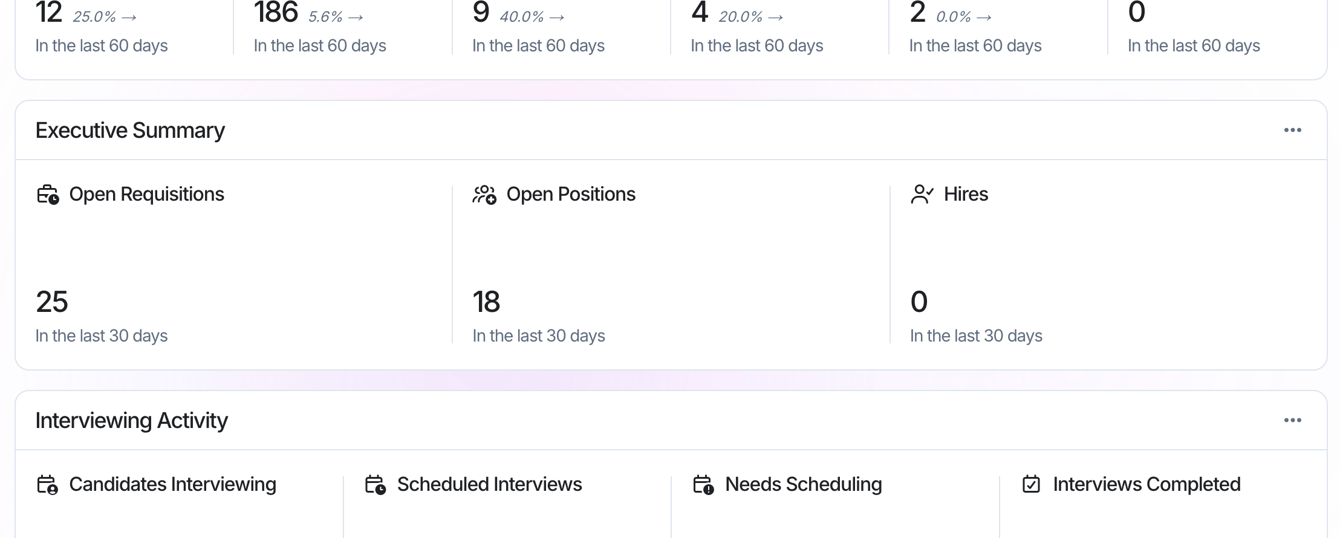
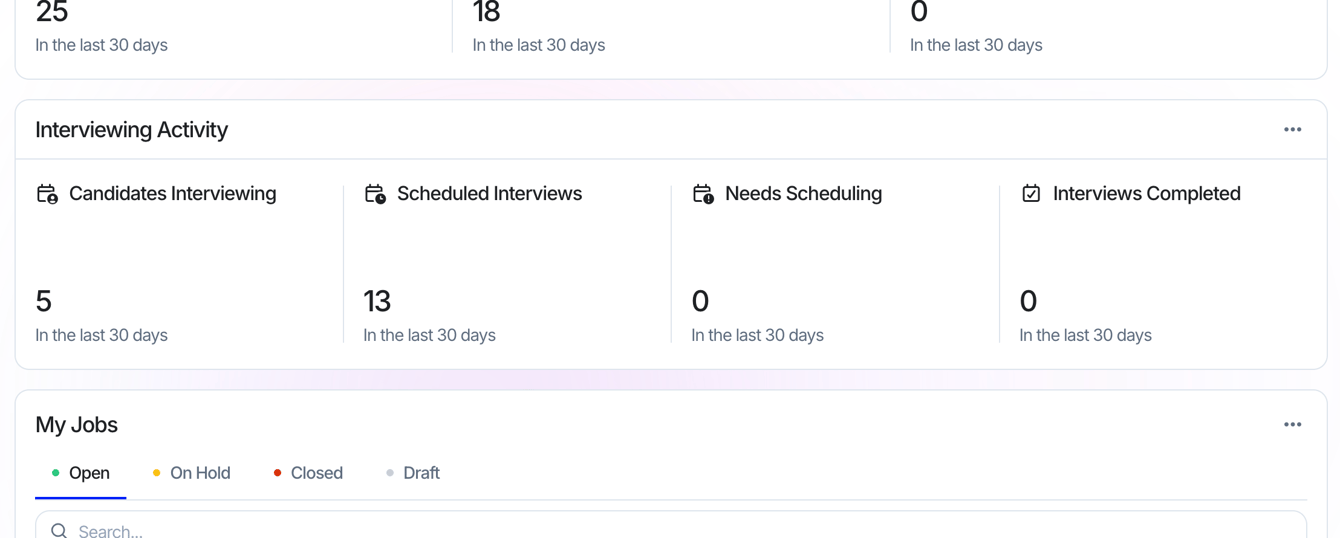
A snapshot of candidates interviewed, interviews scheduled, interviews that need scheduling, and interviews completed.
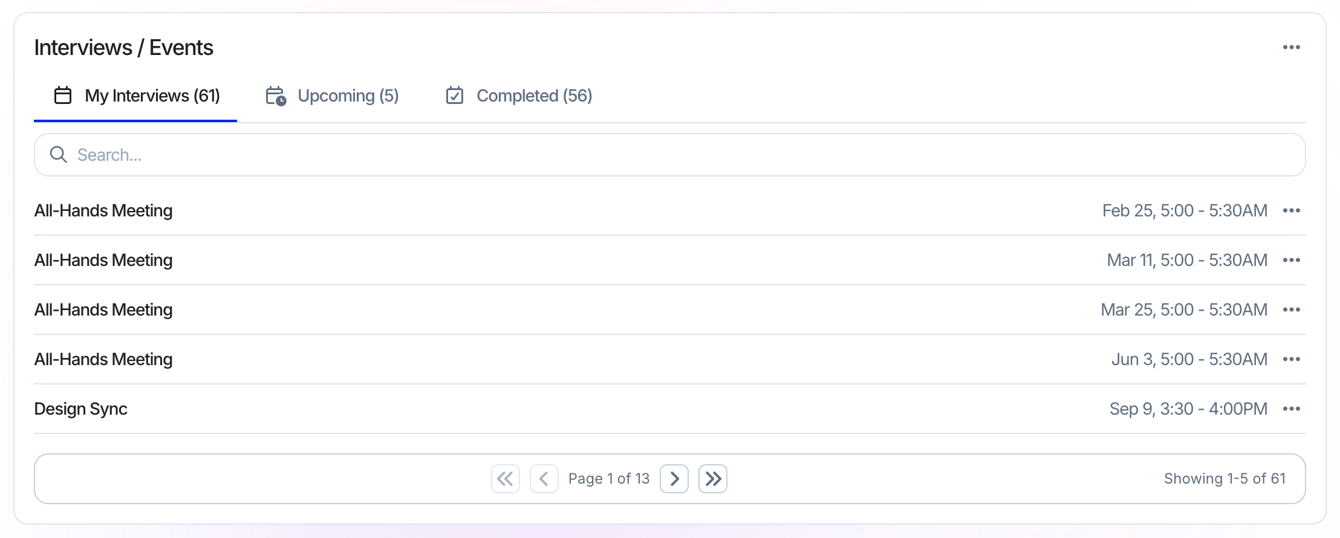
A snapshot of upcoming interviews and events from your synced calendars.
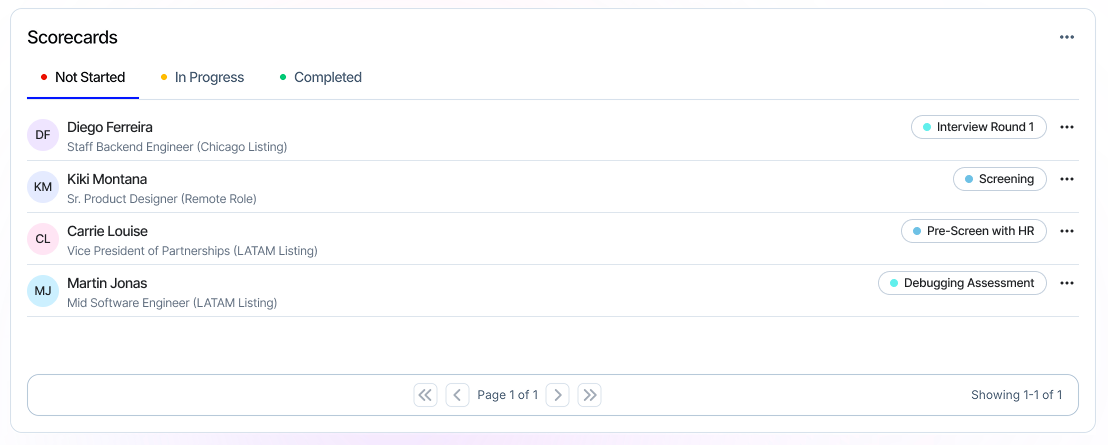
The status of scorecards you're assigned to.
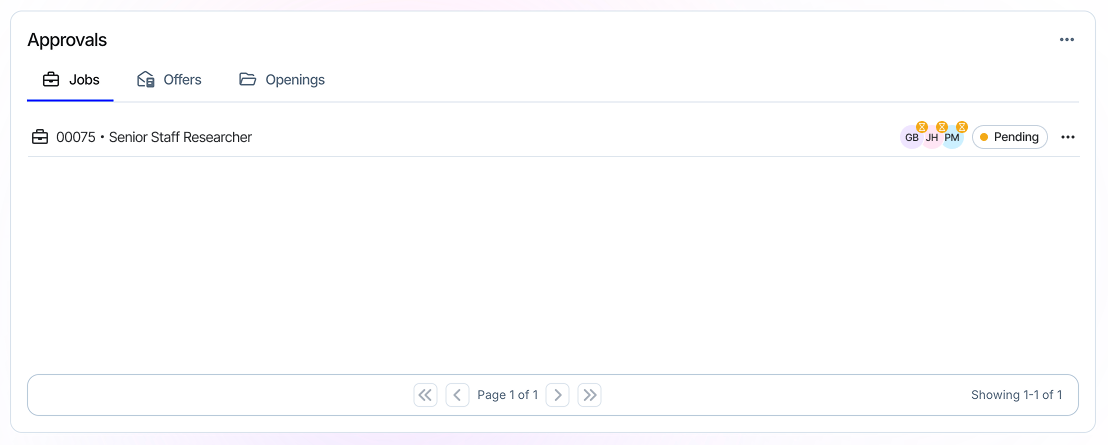
Track approvals assigned to you. Manage Job, Offer, and Opening approvals from here.
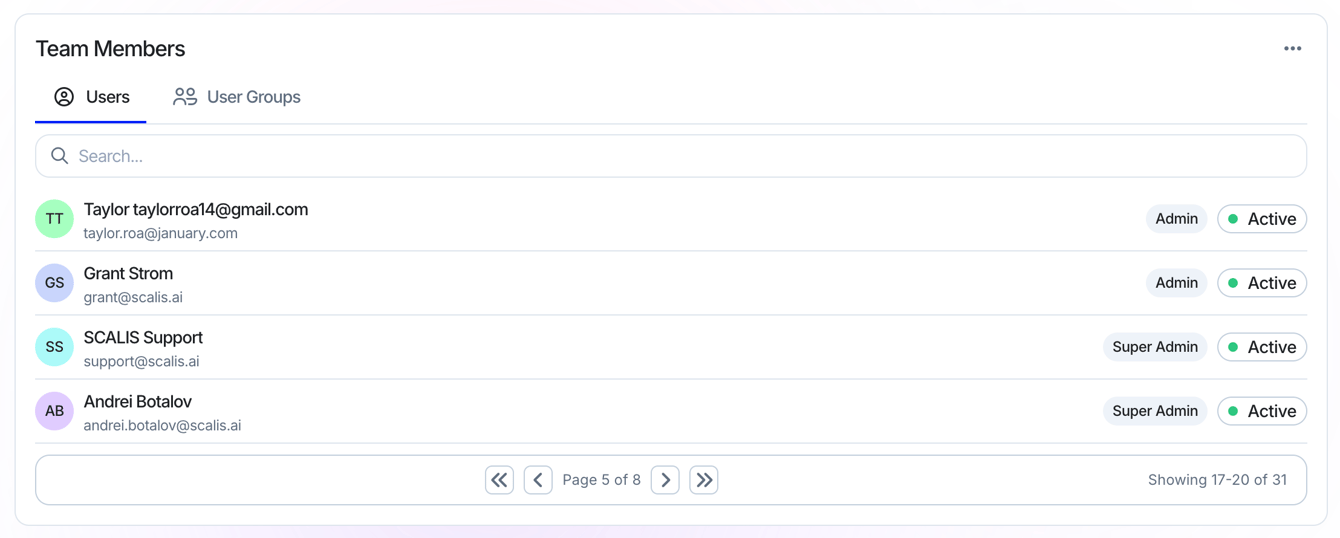
View your company team members and User Groups.
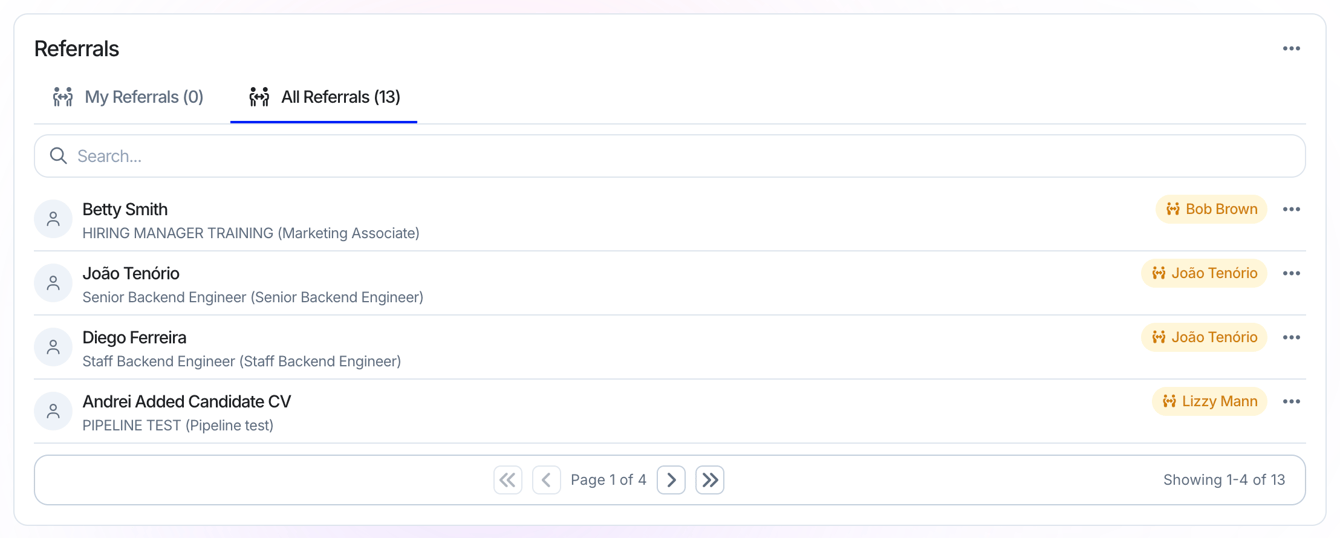
Track your personal and team referrals, and submit a referral right from the Home Dashboard.
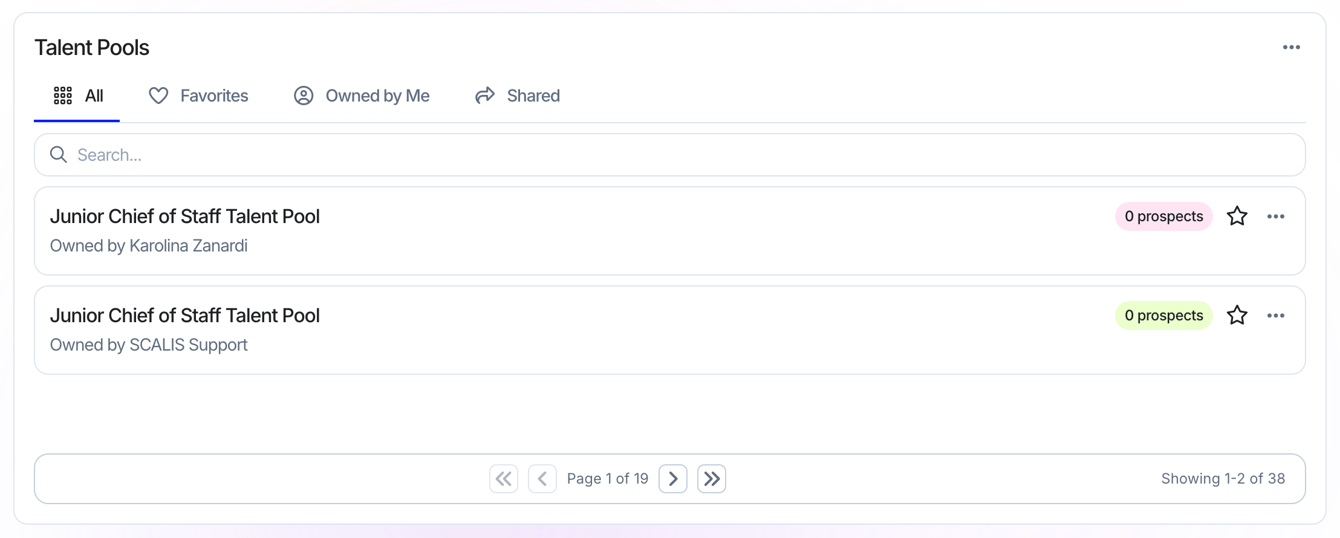
See the Talent Pools you and your team have created, add them to a Sequence, or view the candidates inside.
That's it. Mix and match widgets until your Home Dashboard works the way you do, and reach out to your CSM any time you'd like a hand.