![SCALIS Logo.png]](https://help.scalis.ai/hs-fs/hubfs/SCALIS%20Logo.png?height=47&name=SCALIS%20Logo.png)
Requesting Individual Reviews
Invite your team to share their feedback on a specific candidate.
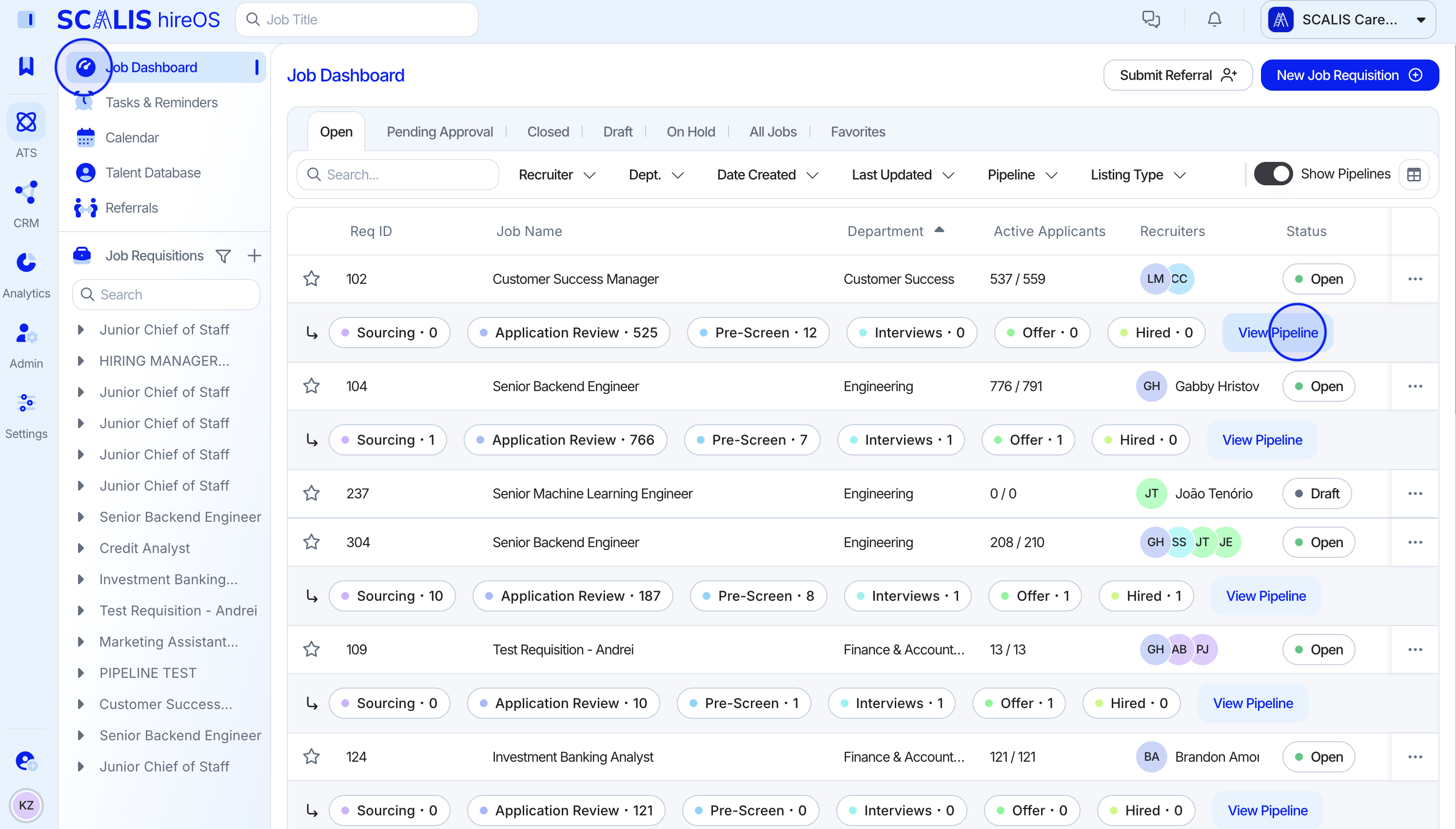
- From your job dashboard click "View Pipeline"
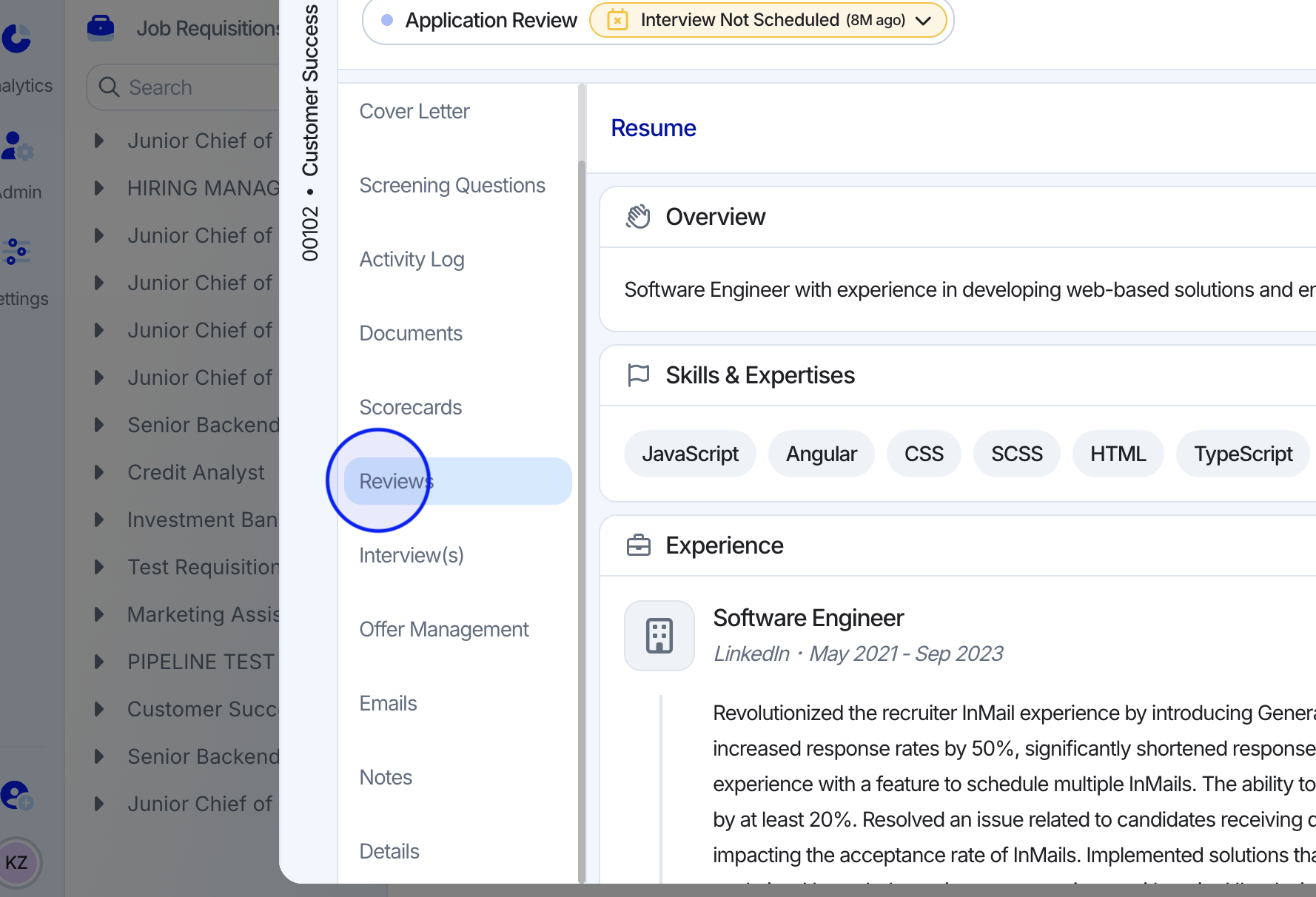
- Select a candidate and from the candidate profile click the "Reviews" tab on the left.
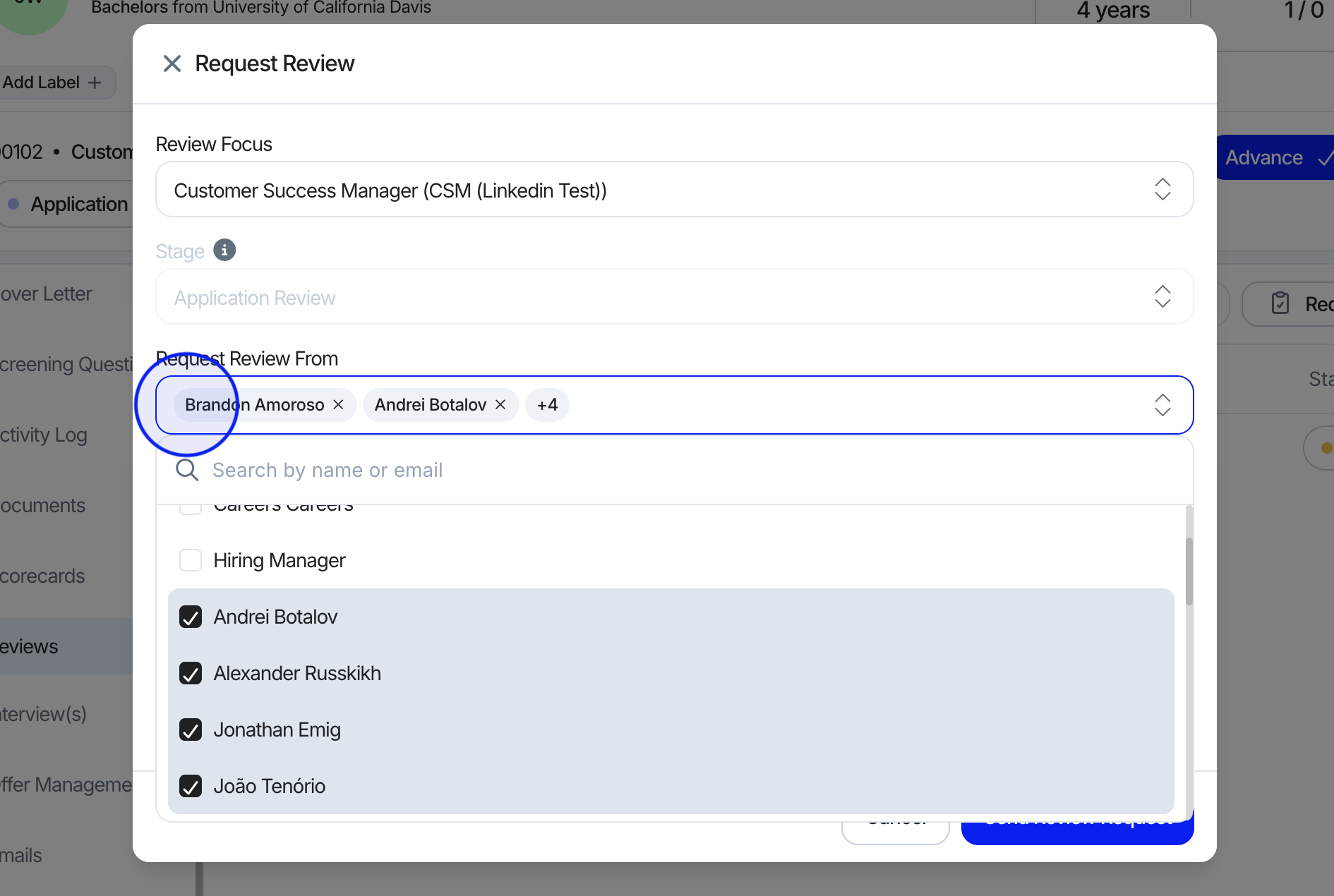
- Click "Request Review" to assign team members to evaluate the candidate. You can choose whether the review focuses on the candidate profile or a specific application (if they have applied to multiple open roles).
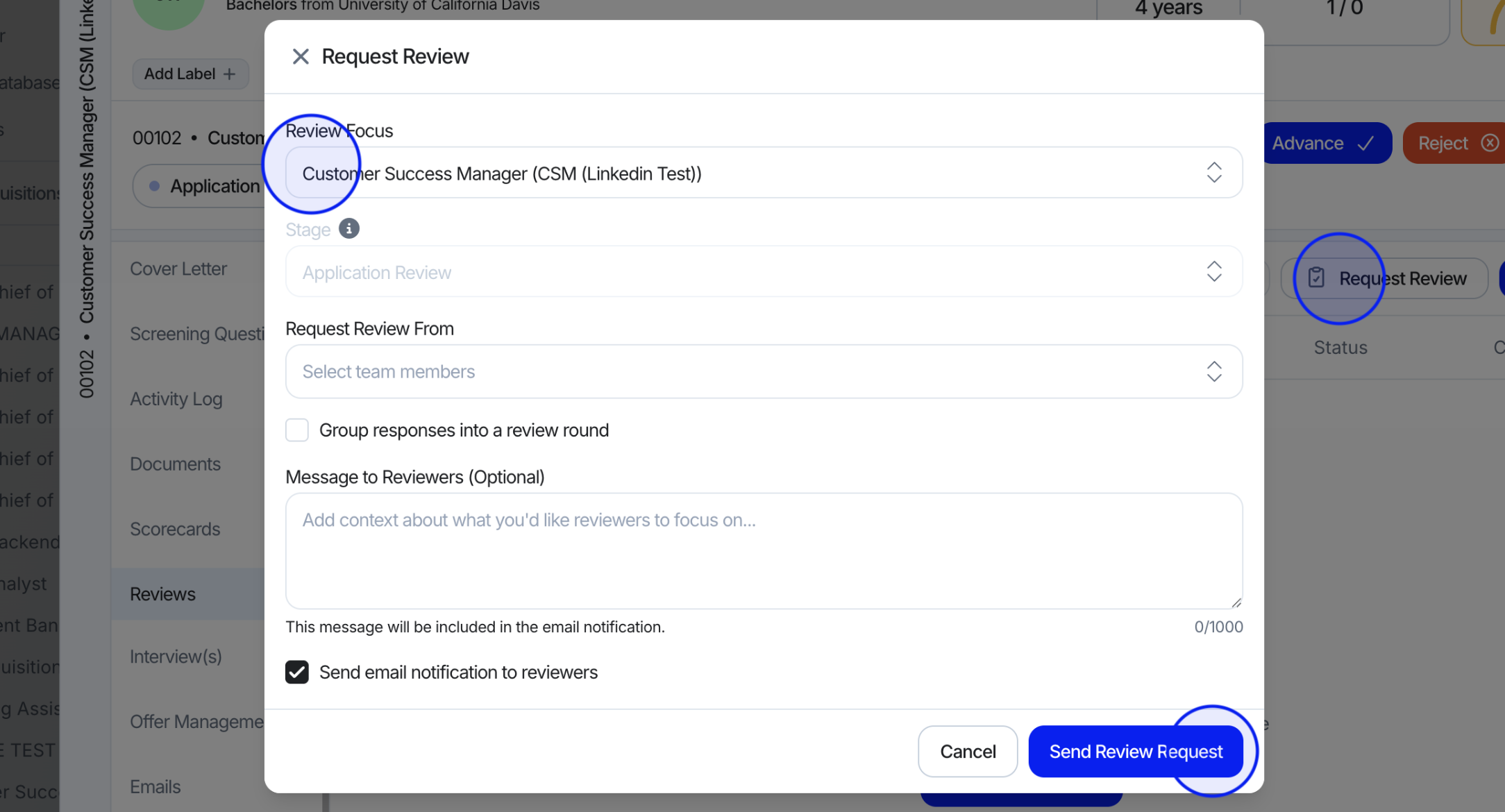
- Click "Send Review Request" to confirm. If email notifications are enabled, assigned reviewers will be notified automatically.
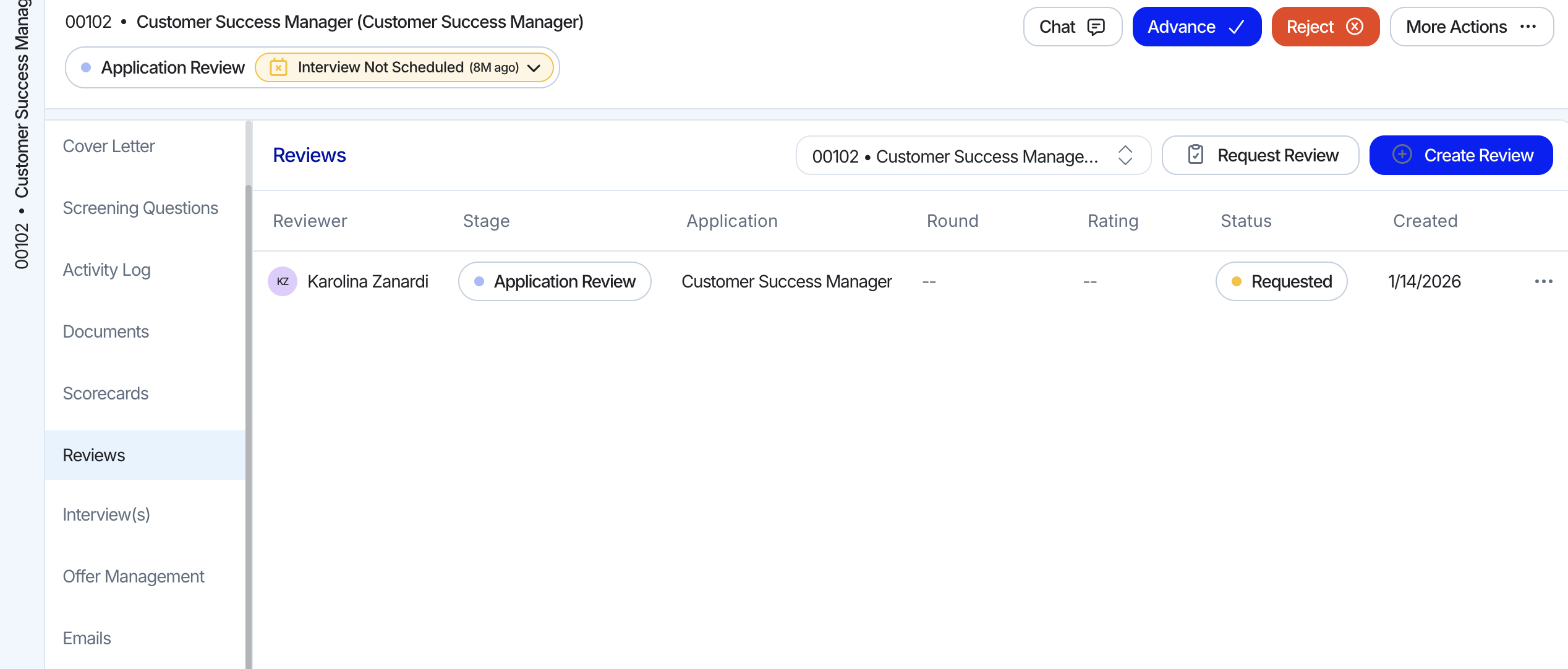
📋 Reviewers can only be created for the current stage the application is in.
Requesting Multiple Reviews
Invite multiple team members to share their feedback over a candidate.
Create and Submit Review
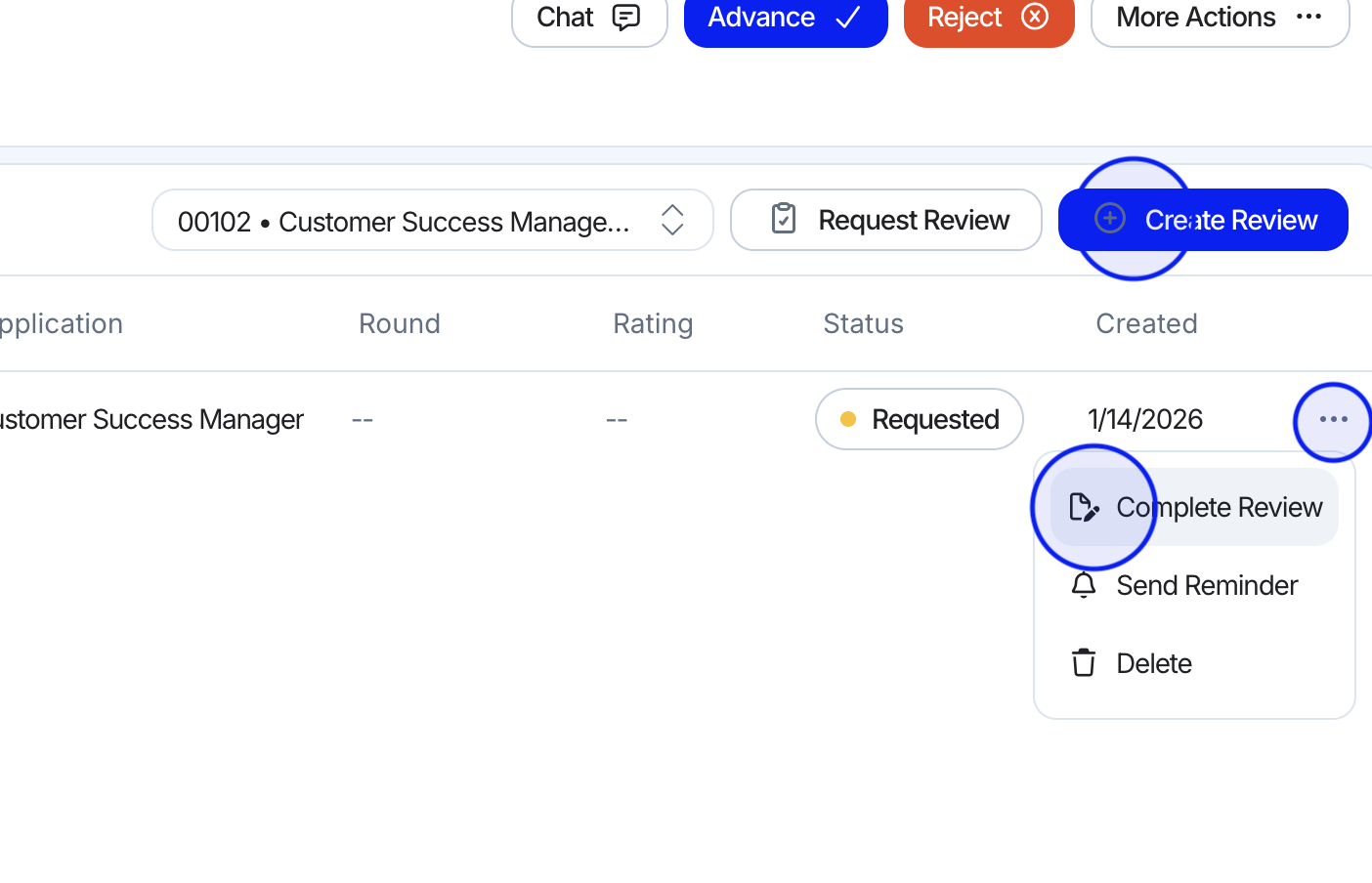
Stay on top of feedback for your candidate. You can see each reviewer's progress and follow up on pending reviews.
- From the Reviews tab in the Candidate Profile, click "Create Review" to start a new one -- or select "Complete Review" from the menu if you have been assigned a review request.
- Choose the review focus, provide a rating, and add any notes or additional feedback to support your evaluation.
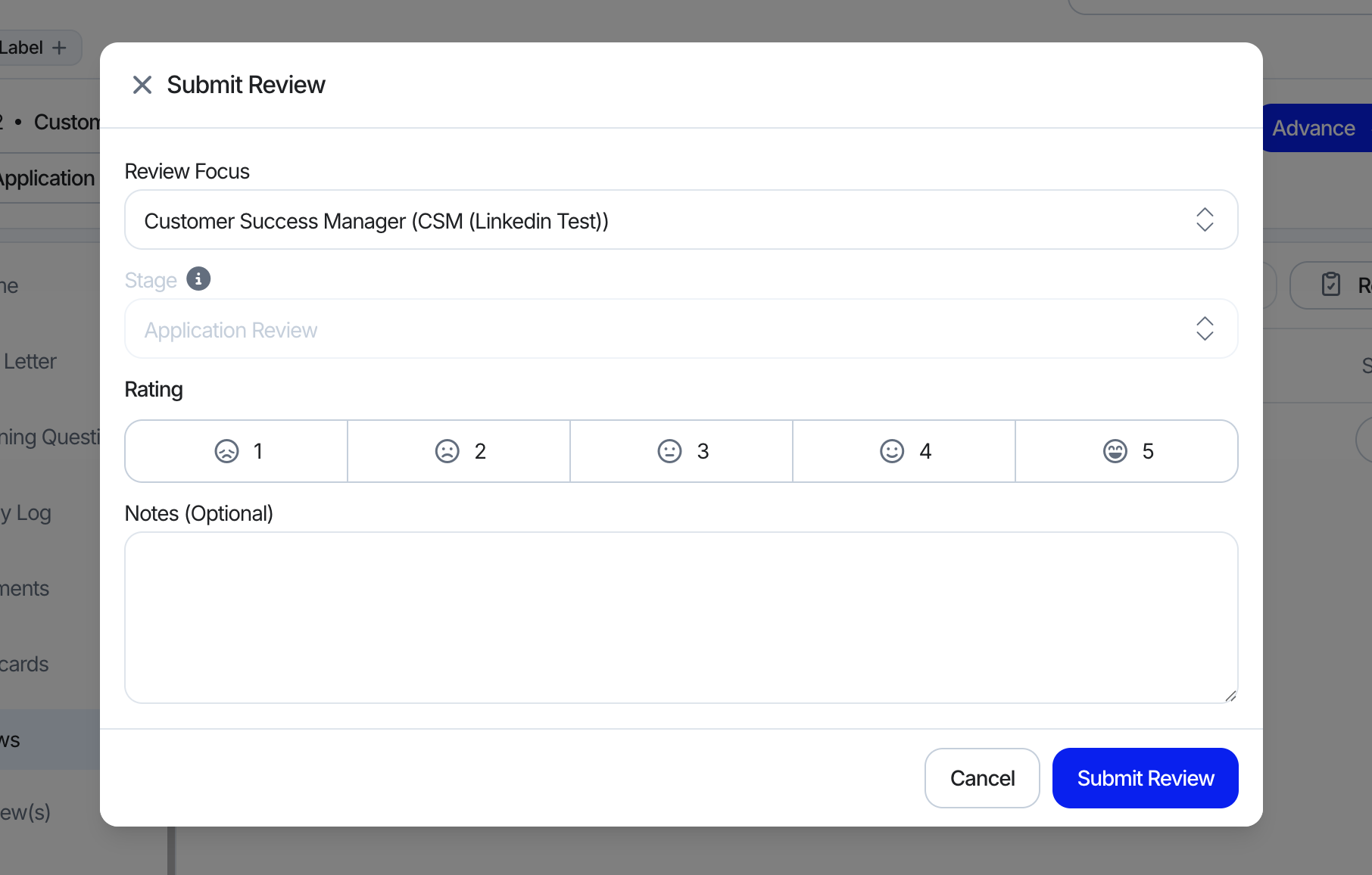
- Submit your review.
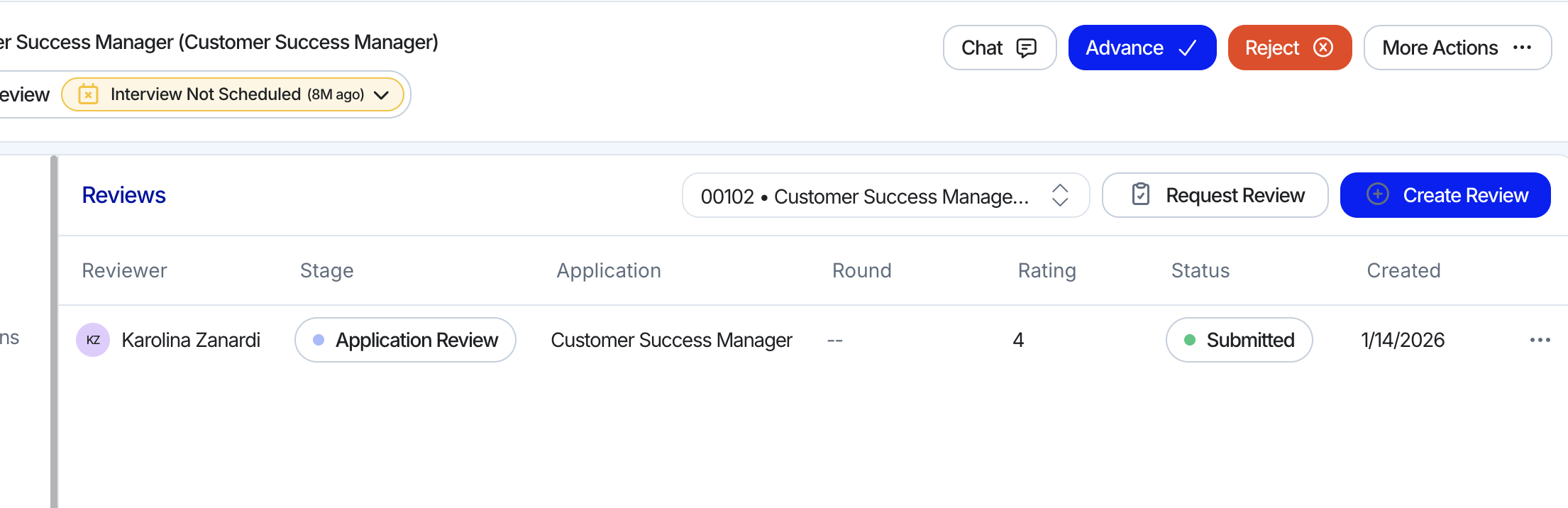
📋 If multiple reviewers are assigned, their responses will remain hidden until everyone has submitter their review. This helps ensure fair and unbiased feedback.
Round Reviews from your Pipeline Template
Set up round reviews in the pipeline template to automatically generate review requests whenever a candidate is advanced to that stage.
- Navigate to Pipeline Setup when creating a Job Requisition and click "Add Stage".
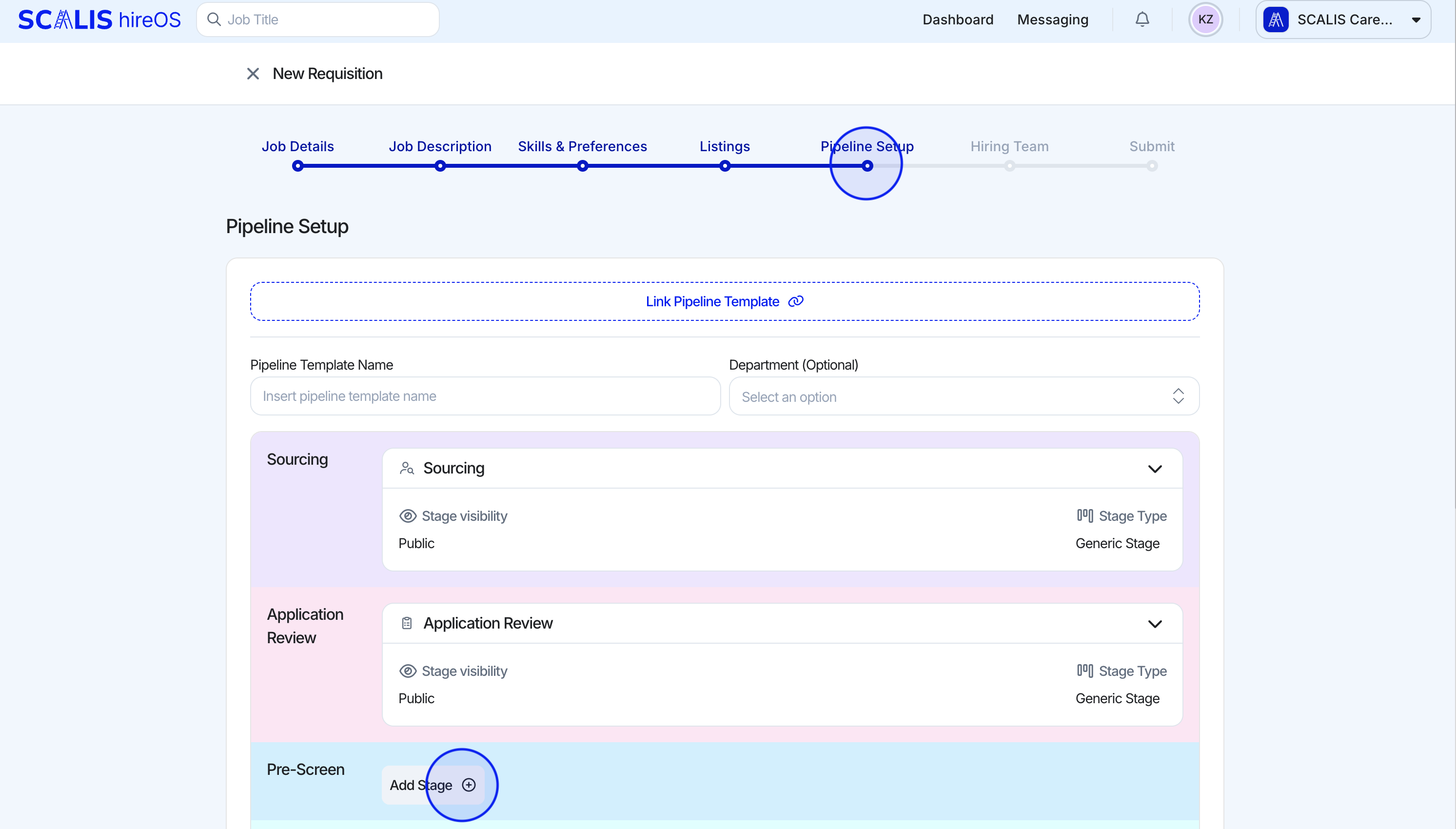
- Select Review as the stage type and assign the reviewers.
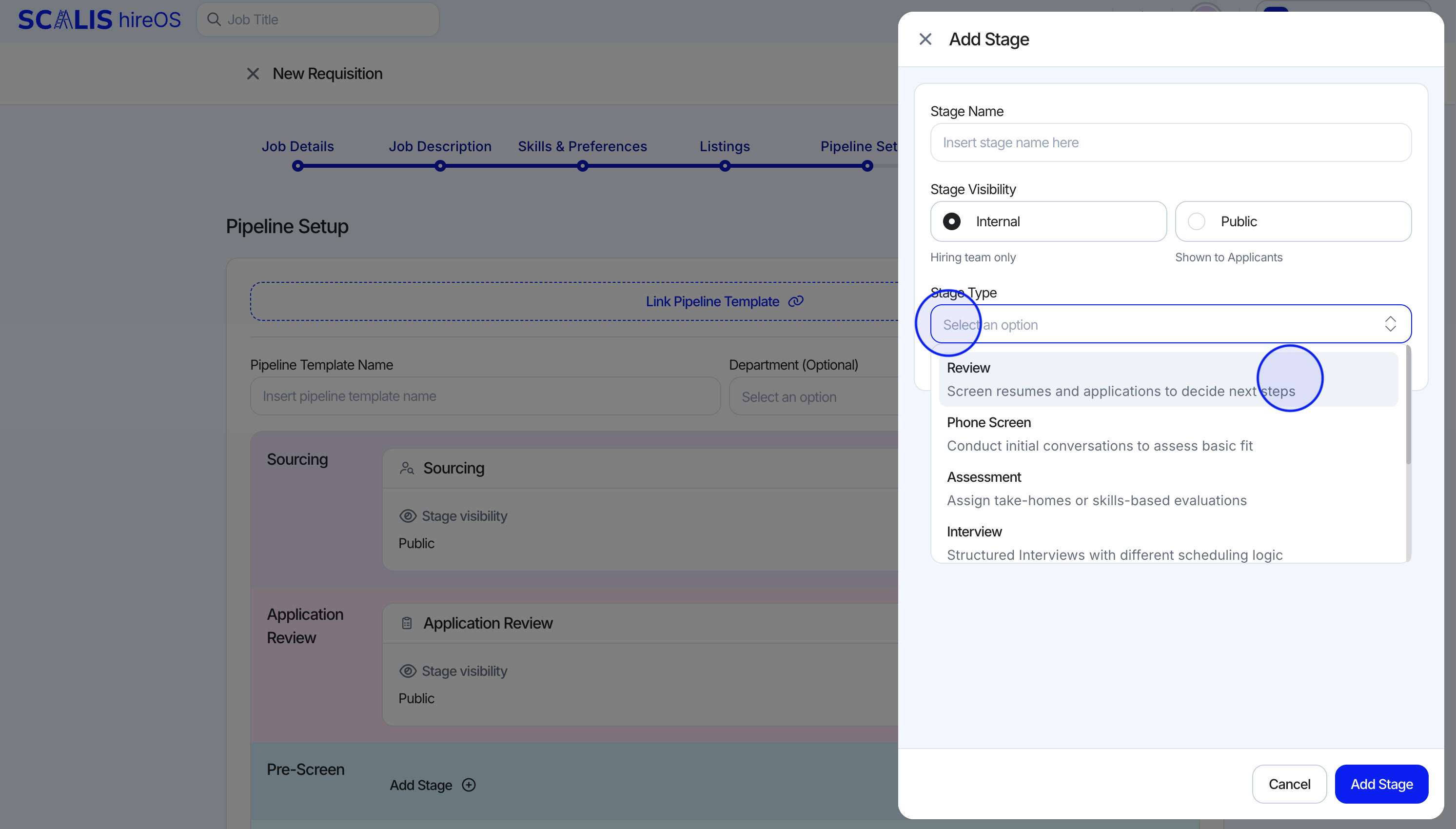
- Publish the job. Once a candidate is advanced to this stage, the assigned reviewers will automatically receive an email notification to complete their review.
📋 You can also link a Pipeline Template to the Pipeline Setup that already includes a configured Review stage.